Is this a phishing email? Should I click the link? Before the panic sets in, let’s look at five easy tips to spot phishing emails and becoming the next victim. Let’s get started.
What is phishing?
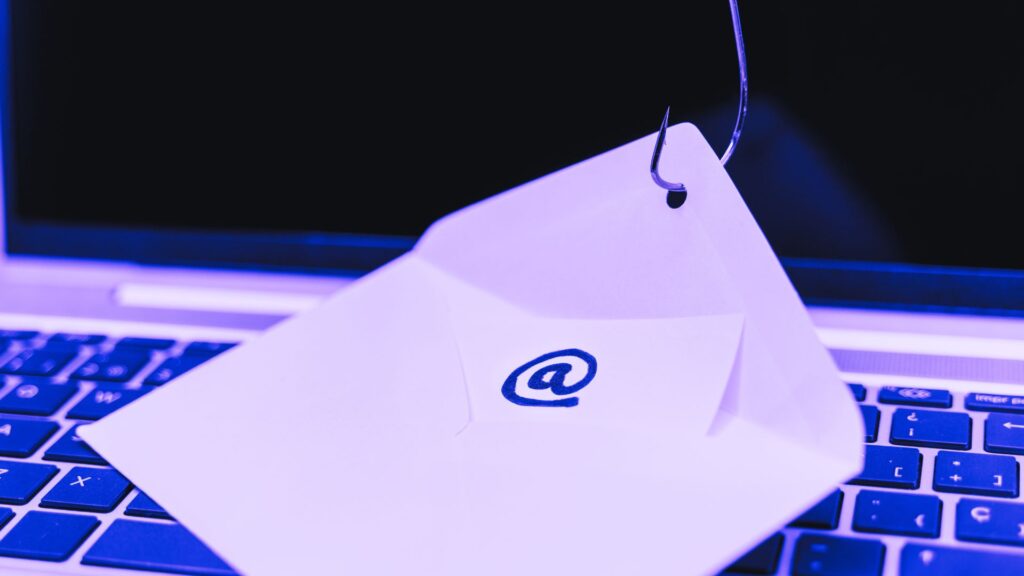
Phishing is a type of social engineering attack where a cybercriminal uses email to try to trick you into performing an action that allows them to obtain your personal information. The emails often contain a malicious link which is used to enter your username and password, or an attachment that can install malware on your device.
5 easy tips to identify phishing emails
1. It’s from an unknown sender
You receive an email but you don’t recognize the sender or the email address looks weird. Chances are it could be a phish – this is still one of the easiest ways to confirm if it’s a phishing email.
2. It contains a suspicious URL
The link within the email looks dodgy or it doesn’t match the company’s official website. Hover over the link to view the full URL so that you can see exactly what site it will open, but DO NOT click!
3. There’s a sense of urgency
The email contains an urgent message that needs you to “act now” or warn you that “your account has been suspended”. These messages are designed to make you panic and react on impulse. Don’t take the bait.
4. The email contains spelling or grammar mistakes
It’s still common for phishing emails to have spelling or grammar mistakes. Many phishing emails come from non-native speakers or automated systems which could lead to mistakes. And yes, AI is making emails more accurate these days.
5. The email contains unknown attachments
If the email has an attachment that you were not expecting or that seems out of place, don’t open it. Chances are that it’s probably malicious as part of the phishing attack.
What to do if you’ve clicked the link
If you think you may have clicked the link, downloaded an attachment, or responded with personal information, follow these five steps to quickly protect yourself and your information:
- Change your password. Start with the account that you think may have been compromised and then secure any other related accounts as a precaution. Make your new password as complex and unique as possible.
- Monitor your accounts. Check your potentially compromised account for any unauthorized changes and monitor your bank account to ensure that no suspicious transactions occur.
- Enable multifactor authentication (MFA). Check if your account has an option to enable MFA and, if it does, enable it immediately. This will add an additional authentication step to your account in addition to your password.
- Run an antivirus scan. Malware may have been downloaded and installed on your device so run an antivirus scan to check for any malicious programs or files.
- Report the phishing attempt: This may be last, but it is very important. The company probably has a dedicated security team who can investigate the phishing attack. Inform them to assist and hopefully prevent further attacks.
Stay safe!
Unfortunately, phishing scams are here to stay. But, with a little caution, you can remain safe. Remember to think before you click and be secure!